
 Download App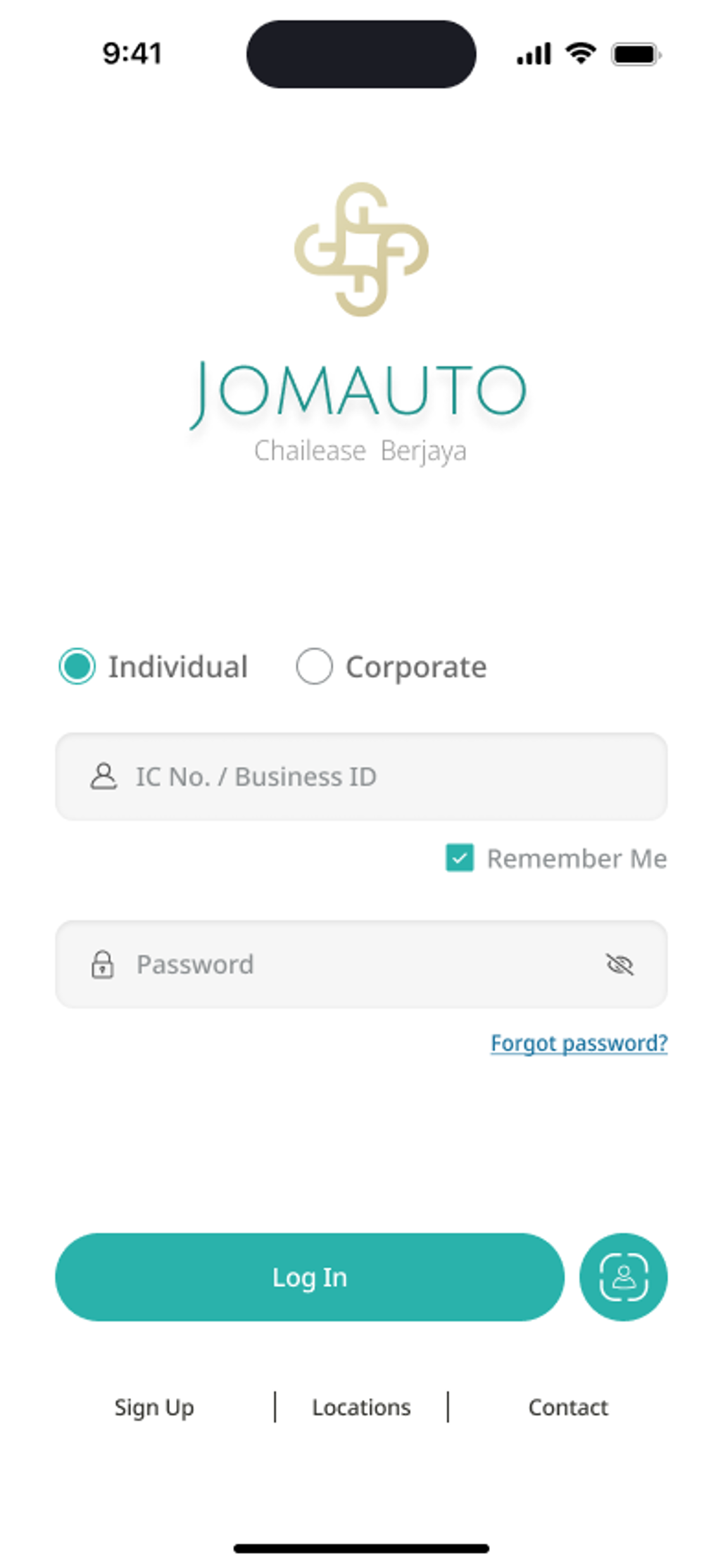
Step 1
Create a new account
Click Sign Up on Login Page.
Step 2
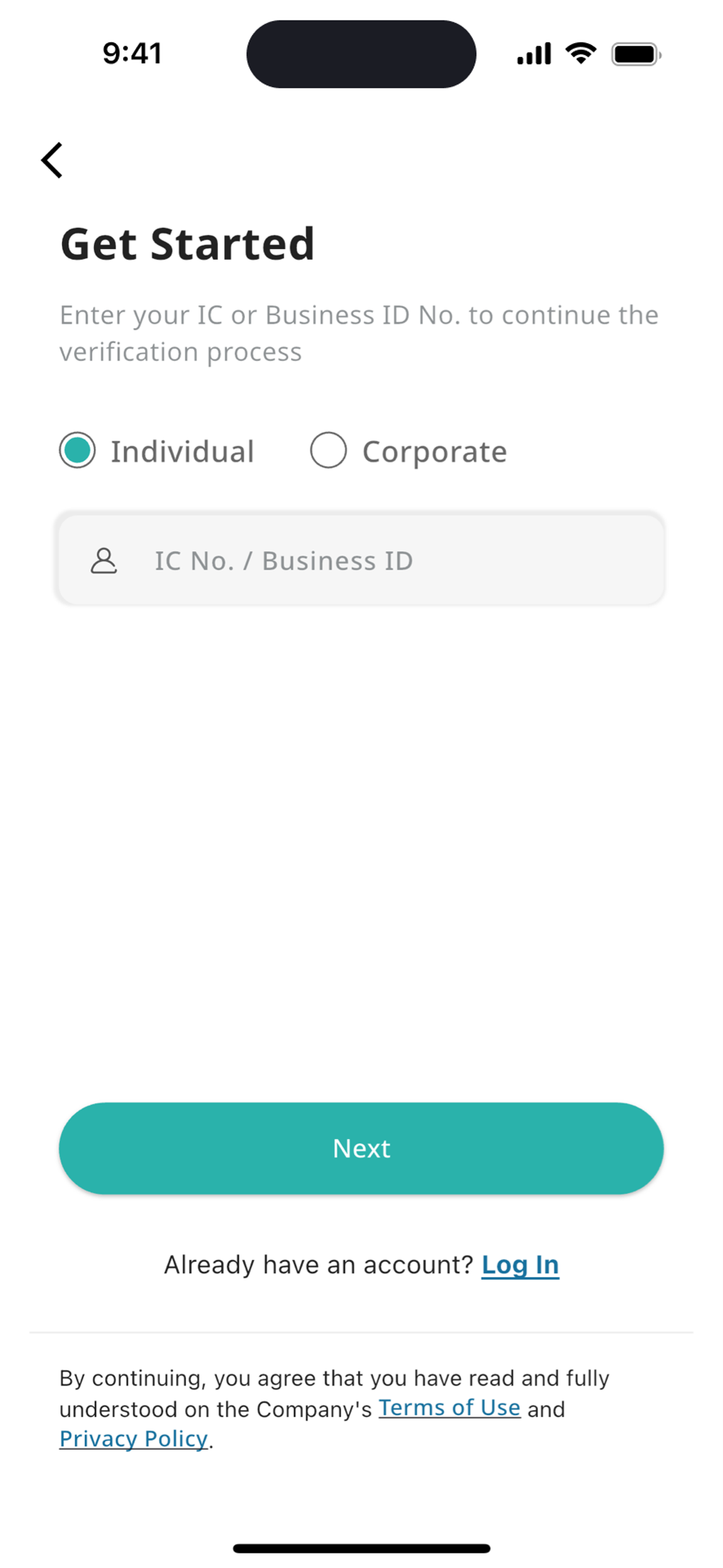
Verify your identity
1. Select your user type: Individual or Corporate.
2. Enter your Ic number or Business ID that you have registered with Chailease Berjaya.
Step 3
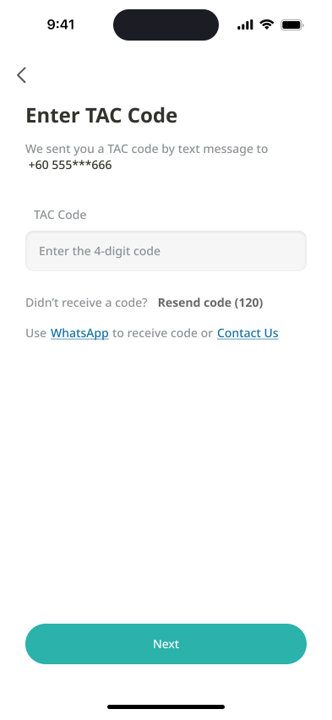
Enter code
Paste or type the TAC code you received and click Next to proceed with creating your password.
Step 4
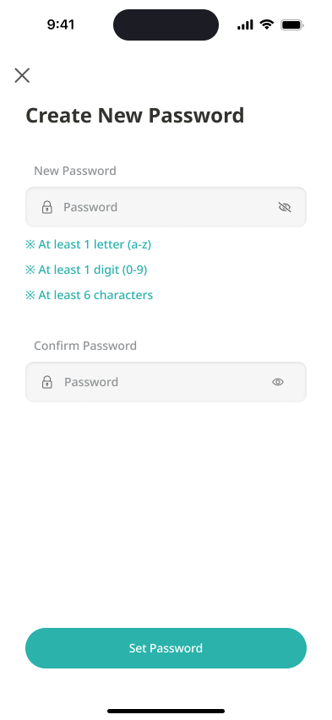
Set password
1. Click Set Password after completing the password creation.
None of these answers are what you want?
 Check out the FAQs
  Contact us