
 Download App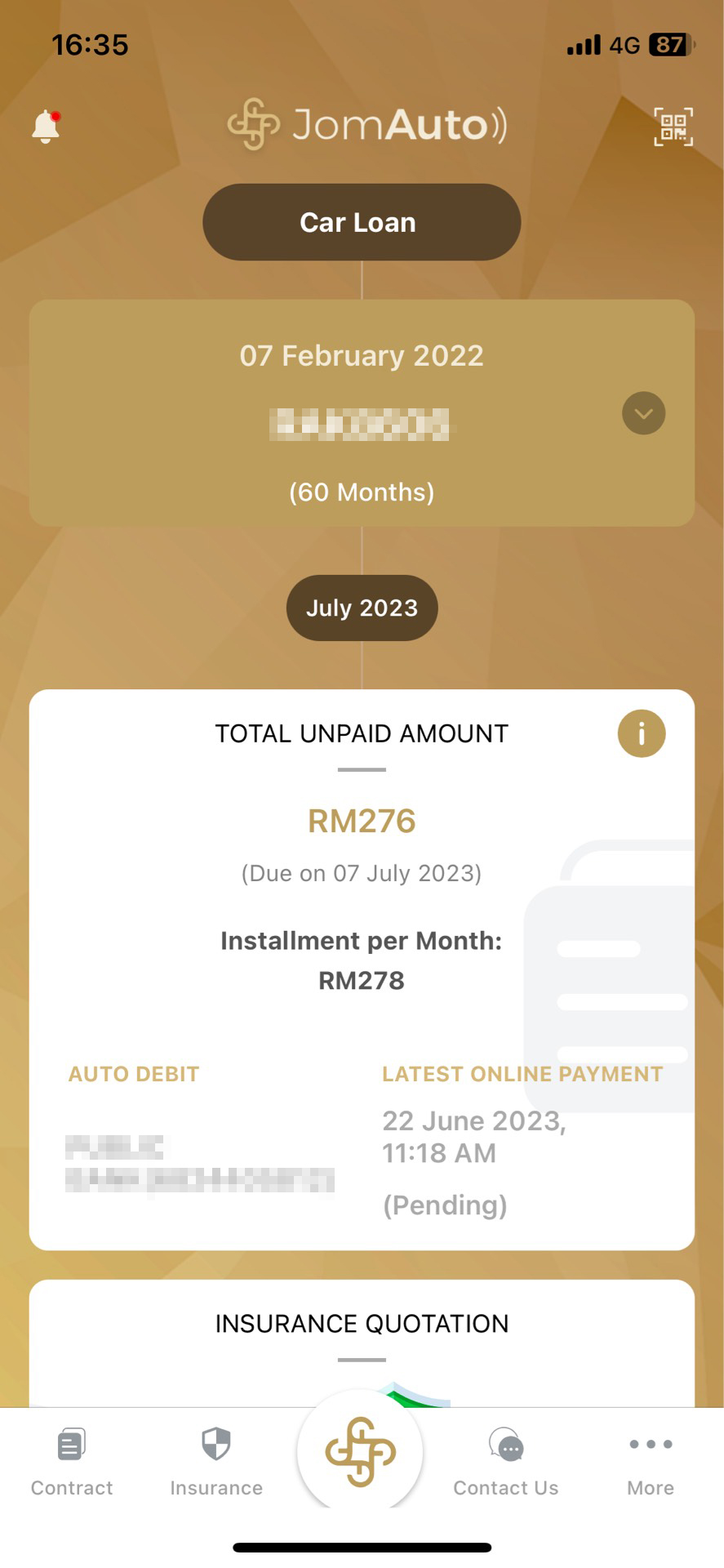
Step 1
Sign in with account
1. Login to the JOMAUTO app
2. At the bottom, choose Contract
2. At the bottom, choose Contract

Step 2
See your transaction history
1. Tap Statements
2. To see a list of your transaction history, tap Receipts
2. To see a list of your transaction history, tap Receipts

Step 3
View receipts
1. Under Receipts, you will see a list of the transaction history
2. Tap a transaction that you want to see the details
2. Tap a transaction that you want to see the details
Step 4
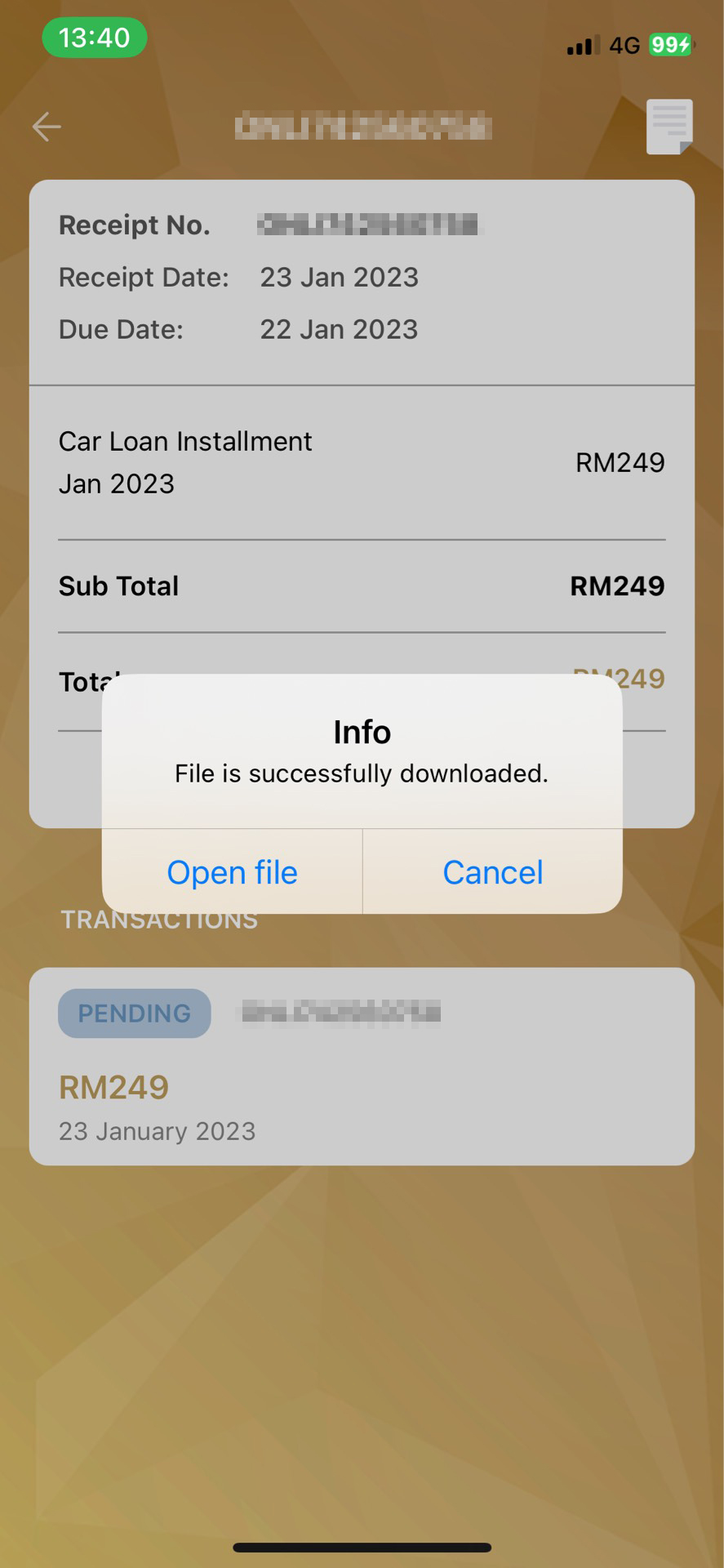
Download the receipts
1. At the top corner, tap the Download icon
2. After the file is downloaded, tap Open file to view the details of the transaction
2. After the file is downloaded, tap Open file to view the details of the transaction
None of these answers are what you want?
 Check out the FAQs






 Contact us